On this page
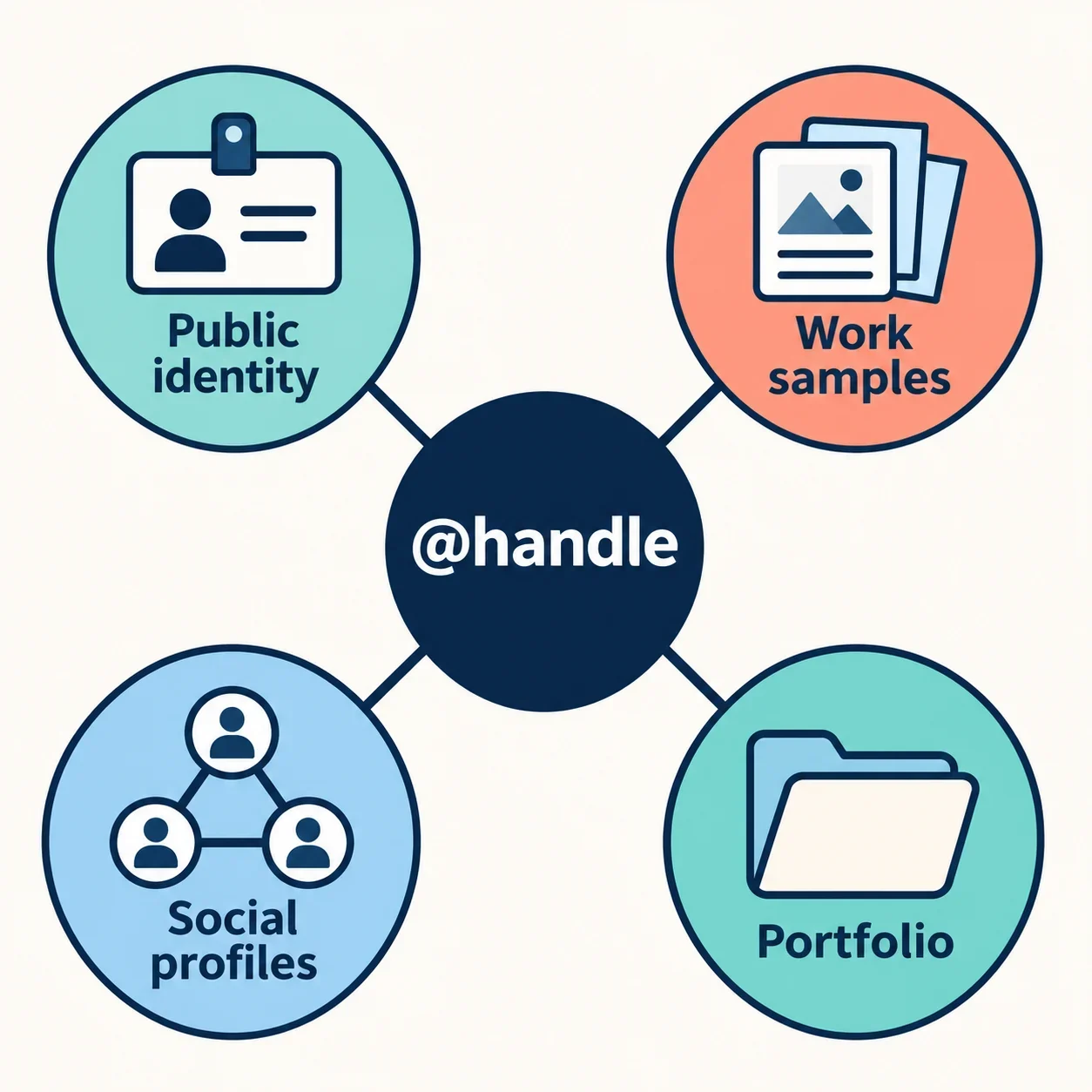
Choose a generated handle by starting with the name or work you want people to recognize, then testing a small shortlist across every social and portfolio profile you intend to use. Select a spelling only after you have checked professional fit, readability, each service’s naming requirements, and availability for your intended account.
A handle is a username that identifies a person or brand on a social platform. Treat a generator’s suggestions as starting points. The useful result is one deliberate naming choice that you can connect clearly to your work wherever you publish it.
Decide what your handle should help people recognize
Write a one-sentence identity brief before generating anything: “I want people to recognize my public name and connect it with my illustration portfolio.” Substitute your own work and preferred public identity. Use this sentence to reject suggestions that sound appealing but communicate the wrong thing.
Try your exact personal or business name first. Keep it on the shortlist as a baseline, even if you also explore variations. If you work under a public name, start there rather than automatically using information from private accounts.
Next, list the profiles that need matching spelling. Include the portfolio account itself, relevant social accounts, and any professional profile you plan to share alongside your work. Mark the places you will actually promote as priorities.
Decide which details to exclude before entering keywords. Consider leaving out your birth year, personal contact details, or location if you do not want them associated with your public identity. Choose a handle that fits the identity you intend to share without requiring details you prefer to keep private.
Generate a focused shortlist
Start with a non-sensitive keyword tied to your identity brief: your public name, business name, or a broad description of your work. Avoid entering a collection of unrelated interests, because you need a clear basis for comparing the suggestions.
Inspect the controls the generator actually provides. If language or style options are available, choose settings suited to the audience and tone of your portfolio. If it offers keyword, output-count, or length controls, use them to request a manageable batch. Set any length preference provisionally; you will still check each service’s requirements later.
If a seed control is present, read its explanation before using it. Keep a note of the value and other inputs when that helps you compare attempts. Do not assume what the control does from its label alone.
Save a shortlist of around five candidates, then change one input at a time. For example, keep your public name and change only the requested style, or retain the style and try a broader work keyword. Compare the new batch against the first. Keep promising candidates for evaluation; receiving a suggestion does not establish that any profile will accept it.
Compare professional fit and readability
Place each candidate beside the public name on your portfolio and a representative project title. Ask whether the combination expresses the identity in your brief. A name that suits a casual personal account may not be the one you want to introduce with client work.
Then say the candidate aloud as part of an introduction: “You can find my portfolio under…” Ask someone to write what they hear, if possible. Notice where you need to explain punctuation, repeated letters, or spelling. Prefer the option you can share with less explanation.
Use these illustrative spellings to practice the comparison; check any candidate you want to use:
| Candidate | Question to test |
|---|---|
maravale |
Does the public name alone identify the work clearly enough? |
maravaleillustration |
Is the work cue useful, and is the full spelling easy to share? |
maravaledraws |
Does this tone suit the professional introduction you want? |
Also consider whether the handle would remain comfortable if your work broadened. You do not need to predict your entire career; simply avoid choosing a narrow theme you already expect to outgrow. Keep candidates that fit both the work you show now and the identity you want to maintain.
Check each profile's naming requirements
For each intended service, identify the field you plan to change: a handle, a display name, or a custom profile URL. If several fields are offered, read the service’s current explanation of each and confirm which one people should use to find or visit your profile.
Record the stated length and character requirements for the relevant field. Check any guidance on spaces, punctuation, or other restrictions directly in that service’s account creation or profile settings workflow. Use the requirements you find there rather than treating a candidate’s acceptance elsewhere as proof of compatibility.
Keep this check separate from availability. Your worksheet should answer two questions: “Does this spelling meet the stated requirements?” and “Can this account use it when checked?” Avoid combining them into one unqualified yes or no.
If a requirement forces you to alter the spelling, treat the result as a new candidate. Check its readability again and carry the exact revised version into the next stage. Do not silently drop a character on one service and continue recording the original spelling.
Check availability across your intended profiles
Check every shortlisted candidate on every priority service, including portfolio services. Use each service’s account creation or profile settings workflow to check the exact spelling for your intended account. Read the result carefully before recording it.
Build a candidate-by-platform worksheet. Add one column per service and a separate place to record the check date. For example:
| Candidate | Priority social profile | Portfolio profile | Checked on |
|---|---|---|---|
| First choice | Enter result | Enter result | Enter date |
| Meaningful variation | Enter result | Enter result | Enter date |
Use precise notes such as “rejected for length,” “reported unavailable,” or “accepted in the naming step,” according to what you actually observe. If you have not completed a check, write “not checked.” If a service gives an unclear response, keep that uncertainty in the record instead of counting it as acceptance.
An existing profile search can help you examine possible confusion with other people, but do not substitute it for checking your intended account’s naming workflow. Record results separately even when spellings match across services. Before choosing, revisit any unresolved result on a priority profile so that your decision rests on completed checks.
Choose a recognizable fallback
If your preferred spelling cannot be used everywhere, first decide whether you want a shared alternative across all priority profiles. A consistent naming pattern can support recognition, so compare the overall result before keeping the original on one service and improvising elsewhere.
Try a meaningful modifier connected to your public identity or work. In the illustrative names above, a work cue such as “illustration” is a candidate to test, not a guarantee of acceptance. Compare it with a simpler alternative based on the public name you already use.
Ask three questions: Does the modifier explain something useful? Can you say the revised handle without extra coaching? Would you still want it attached to your portfolio? Reject variations that pass an availability check but fail those practical tests.
Review possible confusion with existing creators or brands. Platform availability and a legal right to use a name commercially are separate matters. If commercial rights are relevant, investigate that question separately. Recheck every revised spelling against the requirements and availability of all priority profiles.
Select one handle and connect it to your work
Choose the candidate with the strongest combination of professional fit, readability, compatibility, and checked availability. Treat failure on a necessary profile as a reason to revisit the shortlist, even if a candidate is your favorite. Use optional profiles as a secondary consideration rather than allowing them to decide your public identity.
Before confirming changes, copy the chosen spelling from one master record. Where a service accepts it, record the spelling actually saved and the resulting profile URL. If any account requires a variation, document that exact form and review whether the connection remains easy to understand.
Then review your profiles together. Where the service permits it, align the public name, work description, and portfolio link with the identity brief you wrote at the start. Check that the links you intend to share lead to the intended profiles.
Finish with a practical introduction: say your public name, describe your work, and share the handle aloud. If that feels clear and the recorded profile details agree, you have a naming choice ready to connect with your portfolio.